Dental Appointment Reminder and No-Show Workflow
Build a dental reminder workflow with confirmation states, no-show rules, waitlists and measurable follow-up for a more reliable chair schedule.
ChamberBD Editorial Team
· 8 min read
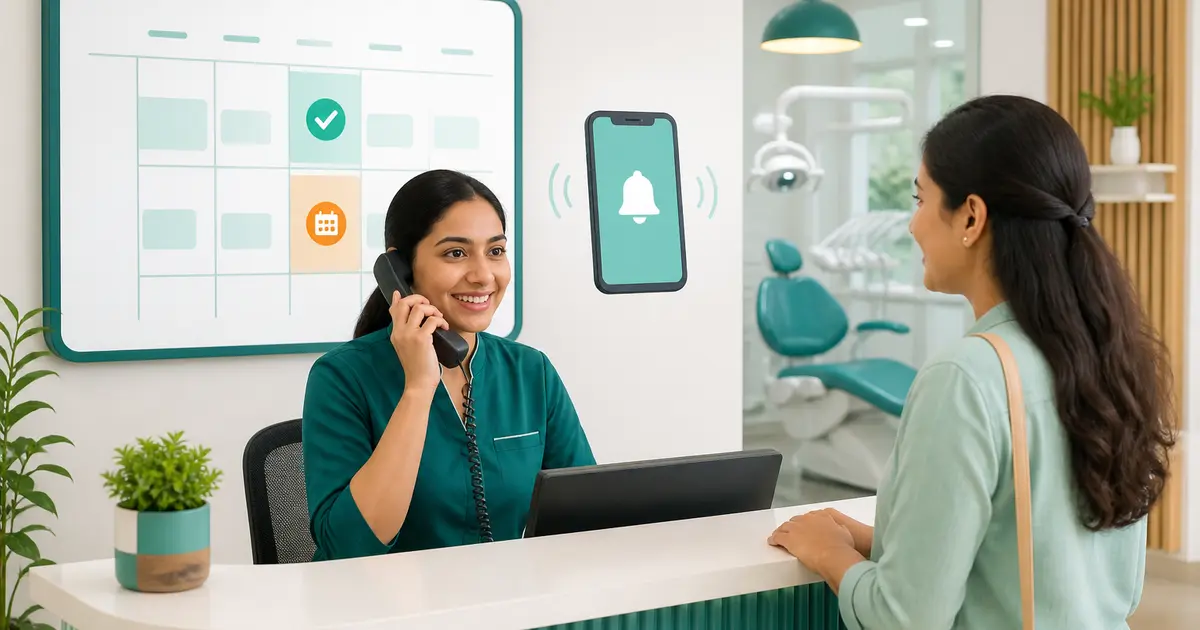
A reminder is useful only when the reply changes the schedule. Sending the same message to every patient without recording confirmation leaves reception guessing, chairs idle and urgent patients waiting. A reliable workflow gives each appointment an owner, a response state and a next action.
Quick answer: Confirm high-risk or long appointments earlier, record every reply as confirmed, reschedule-requested or unreachable, fill released time from a consented waitlist, and review no-shows by cause rather than blaming patients.
Why this workflow matters
-
A missed long procedure wastes clinician, assistant, chair and preparation capacity at the same time.
-
A documented confirmation trail lets reception act consistently and prevents repeated calls from different staff.
-
Cause codes reveal whether the real problem is timing, unclear directions, cost uncertainty, illness or an internal scheduling error.
Step-by-step workflow
1. Classify the appointment
Tag the visit by expected duration, chair, clinician and preparation need. Prioritize confirmation for long treatments, new patients and people with a recent missed visit.
2. Ask permission and choose a channel
Record whether the patient agrees to SMS, phone or another approved channel. Keep the reminder operational and never place diagnosis or sensitive treatment details in an unsecured message.
3. Send reminders in two windows
Use an early reminder that allows rescheduling and a shorter same-day confirmation for selected appointments. Define who checks replies and by what cutoff time.
4. Work every response state
Confirmed stays booked; reschedule-requested moves through an approved slot change; unreachable gets a limited call attempt; cancelled time goes to the waitlist. Do not leave replies in a personal inbox.
5. Close and learn
At day end, mark attended, cancelled, rescheduled or no-show with a reason. Review repeat patterns weekly and adjust timing, directions or deposits only under a written policy.
Required fields and controls
| Control | Working rule |
|---|---|
| Confirmation status | Use a short fixed list with timestamp, channel and staff owner. |
| Waitlist permission | Record preferred days, notice needed and consent to contact. |
| No-show reason | Keep patient-reported and clinic-caused reasons separate. |
| Message privacy | Use minimum necessary information and an approved sender. |
Numbers worth reviewing
| Measure | Definition |
|---|---|
| Confirmation rate | confirmed appointments ÷ reminders delivered |
| No-show rate | unattended appointments without timely cancellation ÷ booked appointments |
| Recovered chair time | cancelled minutes refilled from the waitlist |
| Unreachable backlog | appointments still without a response at the cutoff |
Common mistakes and safeguards
-
Treating a delivered message as a confirmed appointment.
-
Sending sensitive clinical details or contacting a number without recorded permission.
-
Overbooking every uncertain slot instead of using measured risk and a waitlist.
A practical 30-day rollout
-
Map the current appointment-reminder process, record a baseline and name one accountable owner.
-
Pilot the new controls with one appointment-reminder team; do not migrate every old record at once.
-
Review exceptions, staff feedback and mismatched records; then simplify fields that nobody can verify.
-
Approve a short SOP, train every role, record sign-off and schedule the first monthly audit.
Where software helps
ChamberBD Dental can keep appointments, reminder status, patient contact preferences and follow-up notes in one shared record. Automation should create a task and evidence trail; reception still needs a clear exception rule and an authorized person for schedule changes.
Related guides and next steps
Use the following dental clinic resources to connect this workflow with the rest of your operating system.
This article provides operational education, not individualized clinical, legal or accounting advice. An authorized person should adapt the policy to the organization’s services, risks and applicable requirements.
Implementation checkpoint
Pilot appointment-reminder before a full rollout.
Accountable owner
Assign a reception lead and a dentist or manager who approves exception rules.
Evidence to keep
Keep message delivery, response, reschedule and final attendance timestamps.
Minimum review note
Review no-show causes and recovered chair minutes every week.
Frequently asked questions
How many dental reminders should a clinic send?
Use the fewest reminders that give patients a realistic chance to confirm or reschedule. Test one early reminder and a selected same-day reminder, then adjust from response data.
Can an unanswered reminder be marked confirmed?
No. Keep it as unreachable or pending until the patient responds or staff completes the approved call process.
Should a no-show patient be blocked?
Use a written, consistently applied policy. First record the cause and consider a confirmation or deposit rule for future long appointments instead of an automatic permanent block.
Run your dental clinic on autopilot
ChamberBD Dental handles tooth charts, treatment plans, chair scheduling, lab work tracking and billing with installments & dues — from ৳500/month, in বাংলা and English.